

Signing in & what you can do
Accounts are created by the center; here's what teachers can and can't do.
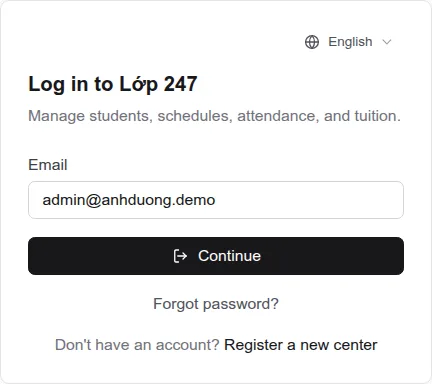
- The center owner creates your account and sends you the email and password (usually in a “Thông tin đăng nhập tài khoản Lớp 247” email).
- On the login page enter your email → “Continue” → your password → “Log in”.
- The first time, open “Profile” (click your name, top right) to change your password and update your details.
You can
- See the classes with a subject you teach or assist, and those classes' students.
- Take attendance, cancel a session for the whole class, and mark makeup sessions.
- Write remarks about students and view the monthly attendance grid.
- Enter ranking scores (when the subject has ranking turned on).
Only the center owner can
- Add, edit or delete students, classes and subjects; enroll or remove students; change schedules.
- View or change tuition, debts, prices and salaries — including your own salary.
- Import / export Excel files.
Don't see a class you teach? Ask the center owner to check that you're the “Assigned teacher” or an assistant for that subject.
My classes
The classes you teach.
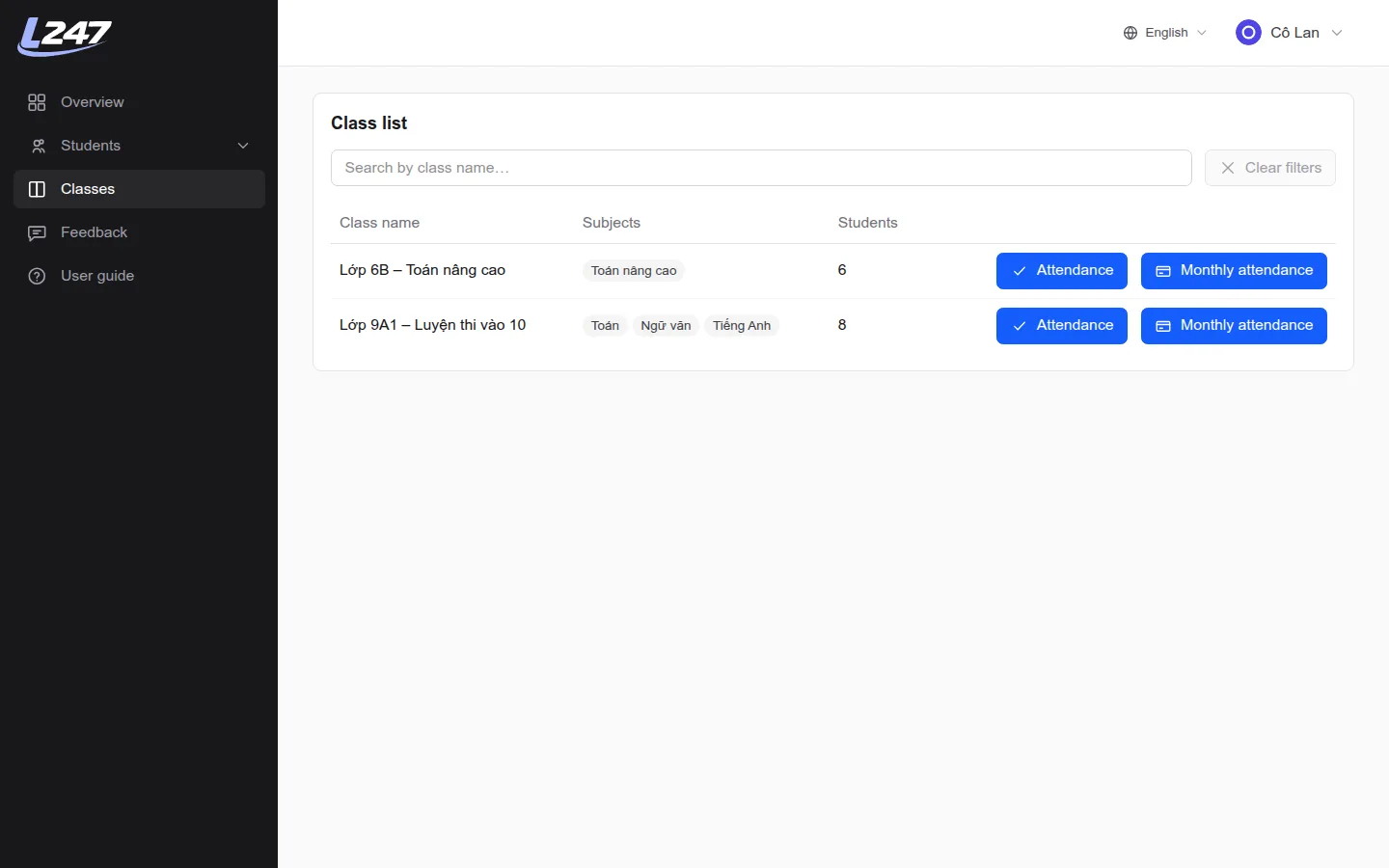
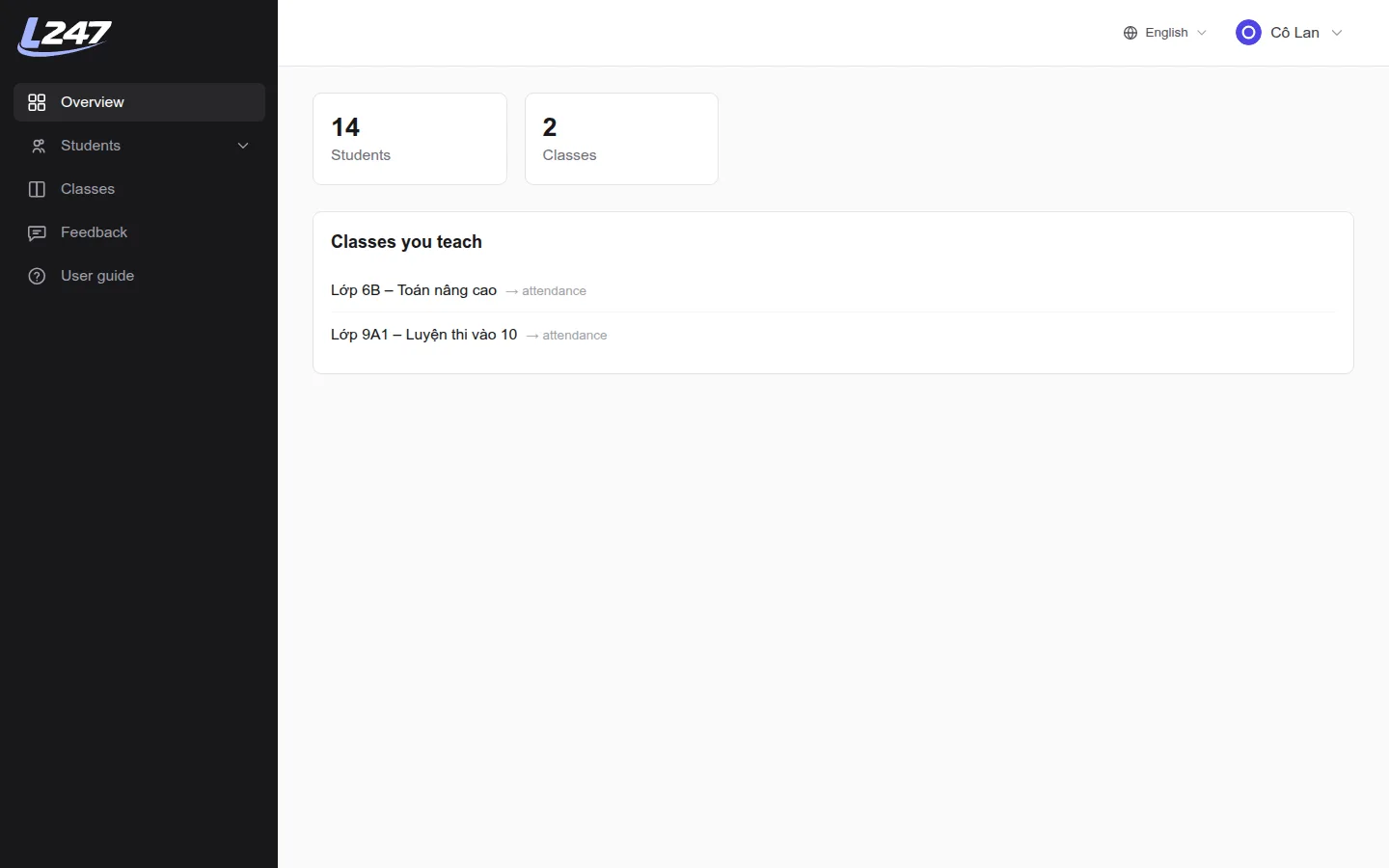
- “Overview” shows your student and class counts and “Classes you teach”.
- “Classes” menu: search by name; open a class to take attendance, or “Monthly attendance” for the whole month.
- Subjects with a red badge have stopped — attendance is locked.
Taking attendance
Mark Present / Absent / Excused for each session.
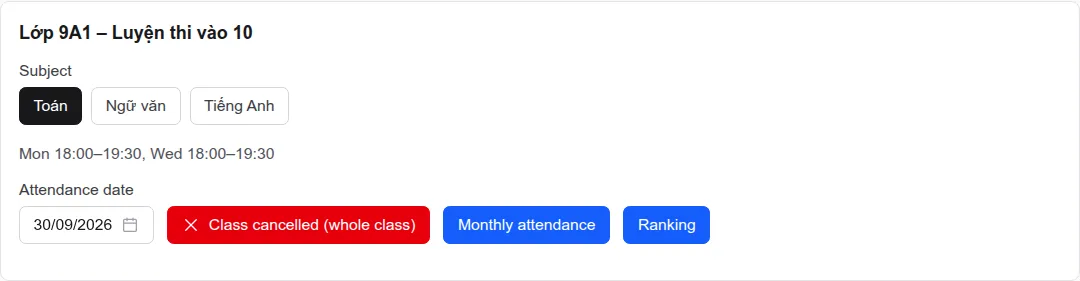
- Open the class. If it has several subjects, pick the one you teach.
- Check the “Attendance date” (today by default). Only scheduled or makeup dates can be picked. If the day has several sessions, pick the “Session”.
- Click “Present”, “Absent” or “Excused” for each student. Add a note in “Reason (if absent)” when needed.
- To go faster, tick “Select all” (or several students) and pick a status for the group.
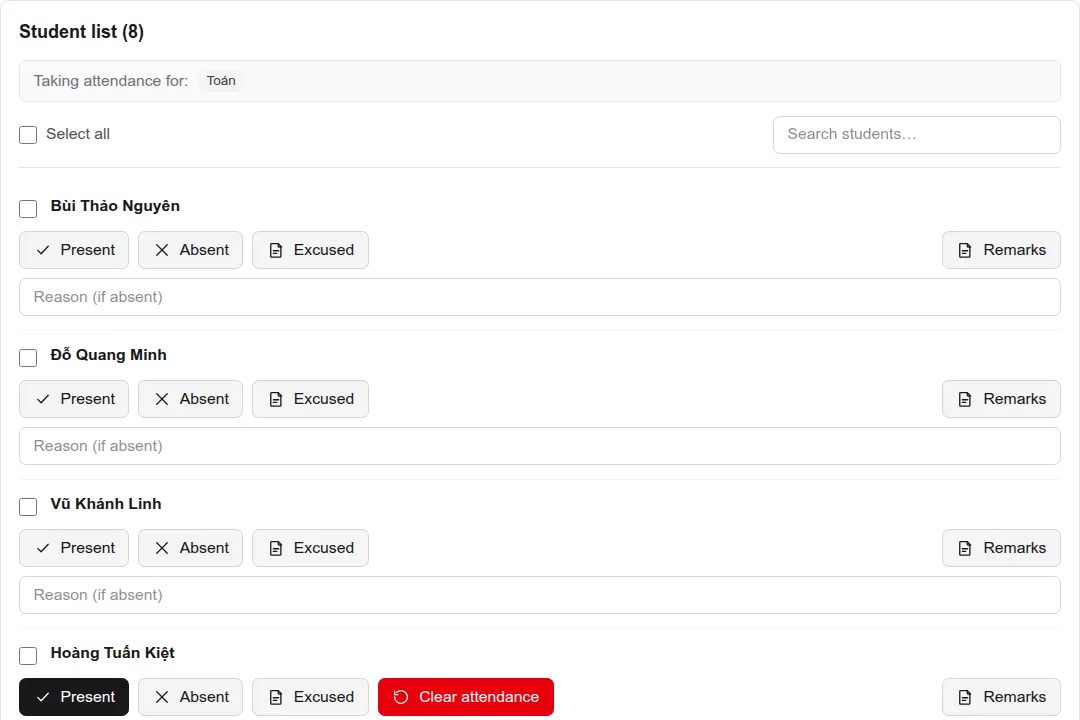
- Wrong mark? Click the right status, or “Clear attendance” to remove it.
- “Class cancelled (whole class)”: use it when a session doesn't happen (teacher sick, holiday…). It isn't billed to students and isn't paid.
- Makeup sessions: the center owner adds the makeup date to the schedule first. When marking a makeup, you can link it to the day the student missed (the “— No linked absence —” menu).
- If the subject has no session on the selected date, the system tells you and won't allow marking.
A multi-subject class may also list subjects you don't teach. Only mark your own subject — marking another subject is rejected.
Student remarks
Notes the center and other teachers can follow.
- In the attendance list, click “Remarks” next to the student.
- Type the note and click “Add remark”. You can edit or delete it later.
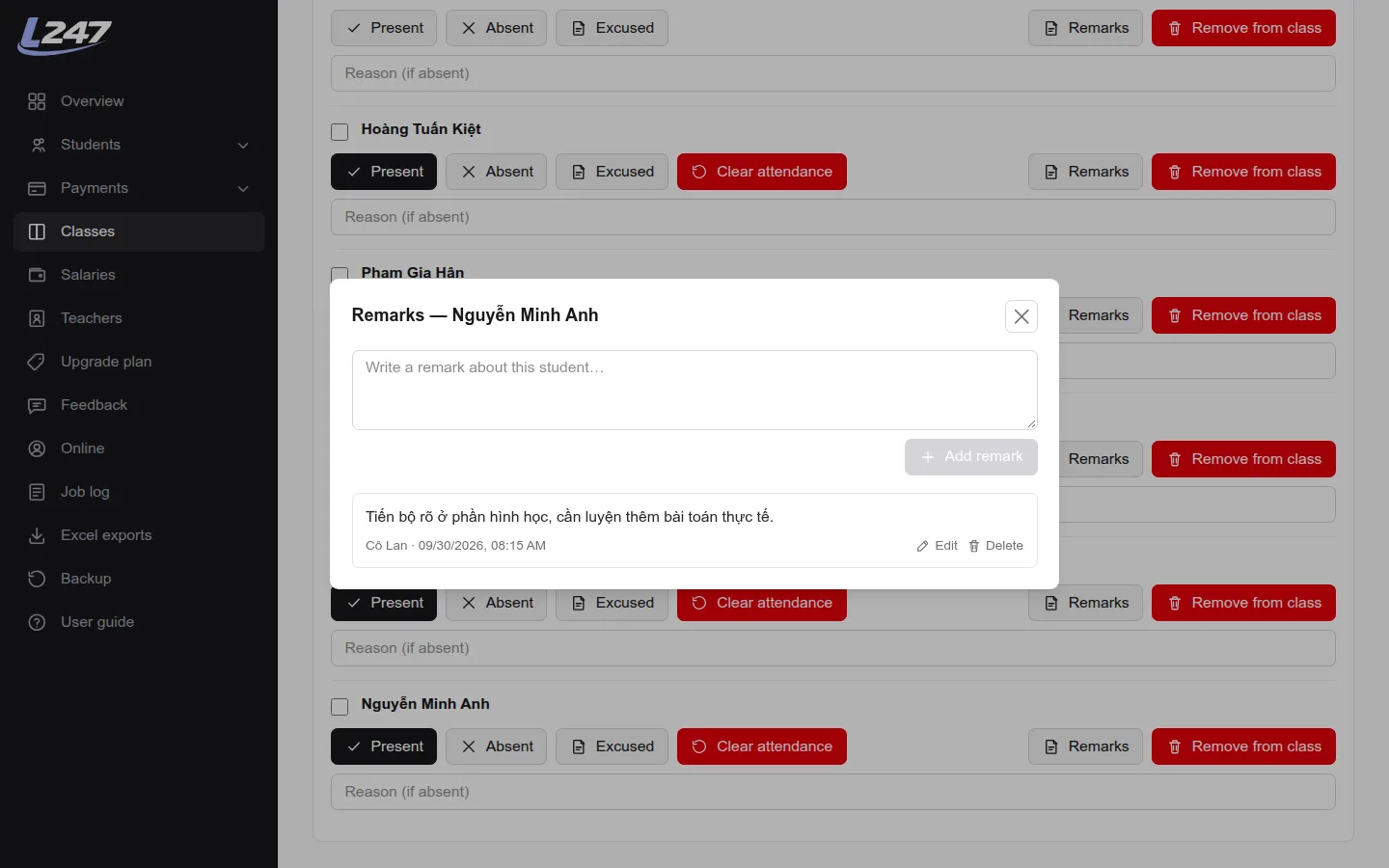
Remarks belong to the class (not a subject), so every teacher of the class and the center owner can see them, with author and time.
Monthly attendance
The whole month's attendance for a class.
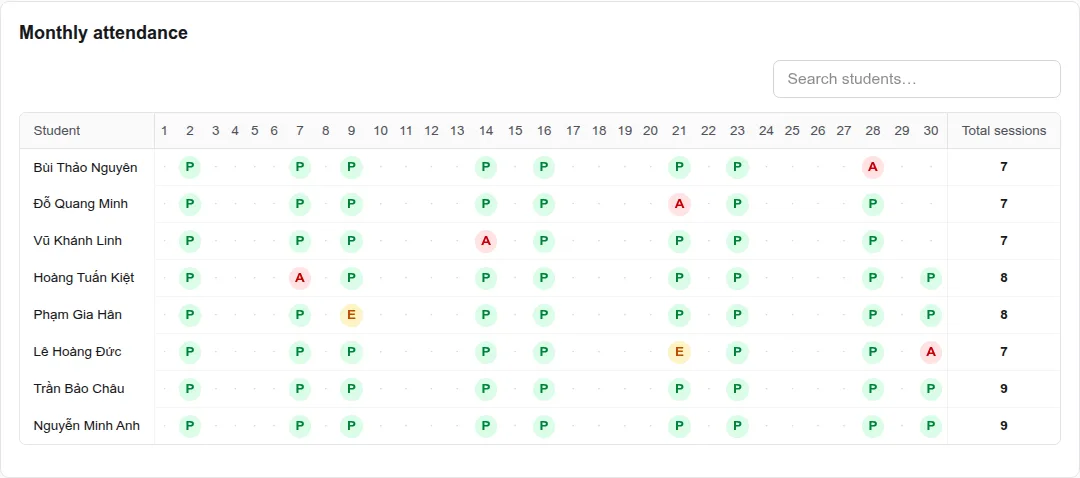
In the class, click “Monthly attendance” and pick a month. Each cell is a session: C = Present, V = Absent, P = Excused, N = Cancelled. Hover a cell for the time, note and makeup details.
Scores & ranking
Enter 0–10 scores per period.
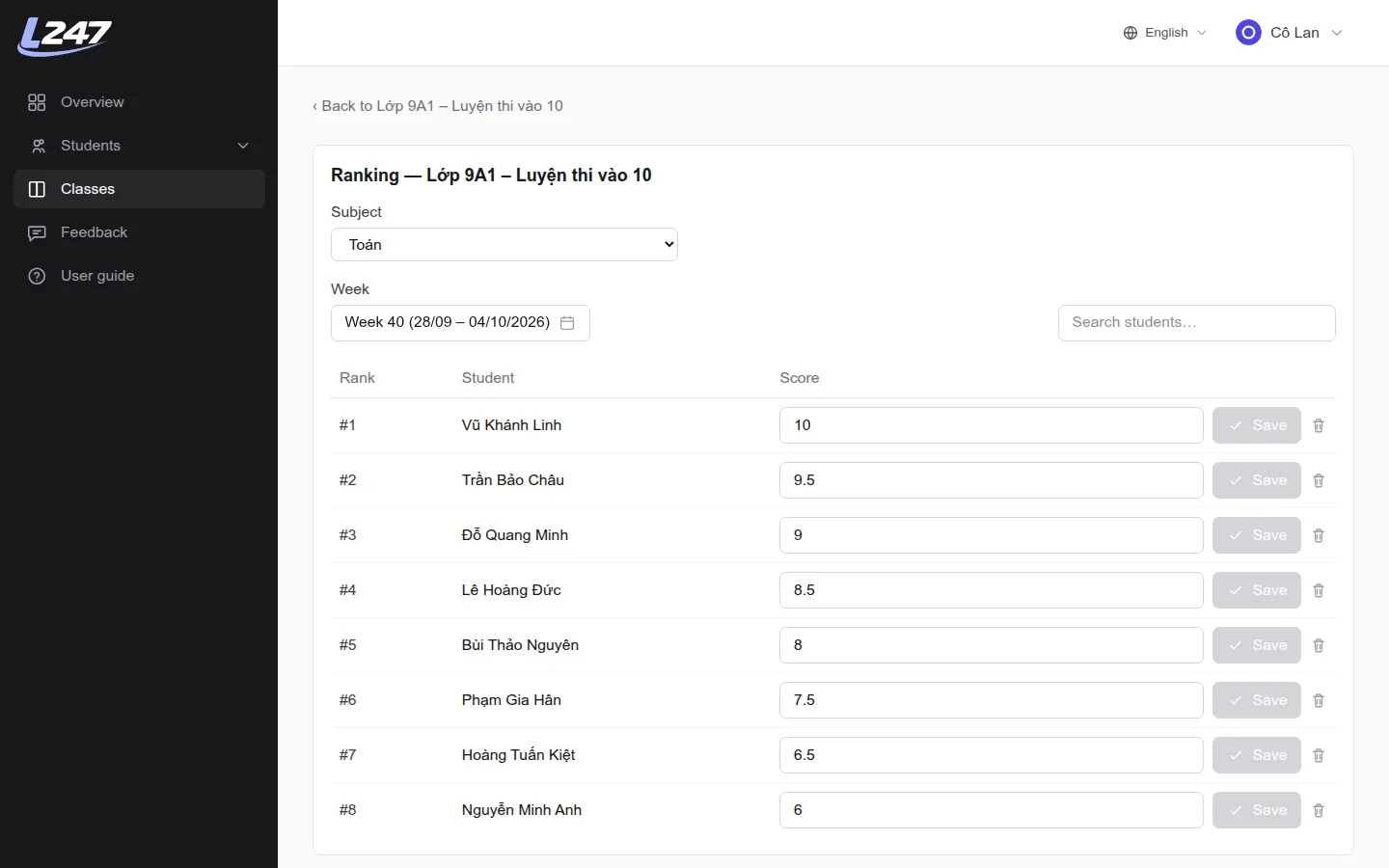
- In the class, click “Ranking” (only shown when a subject has ranking on).
- Pick the subject and period: a session date, week or month — whichever the center owner set up.
- Enter a score from 0 to 10 and click “Save” on each row. Use the bin icon to delete a score.
Students
Look up students and their attendance.
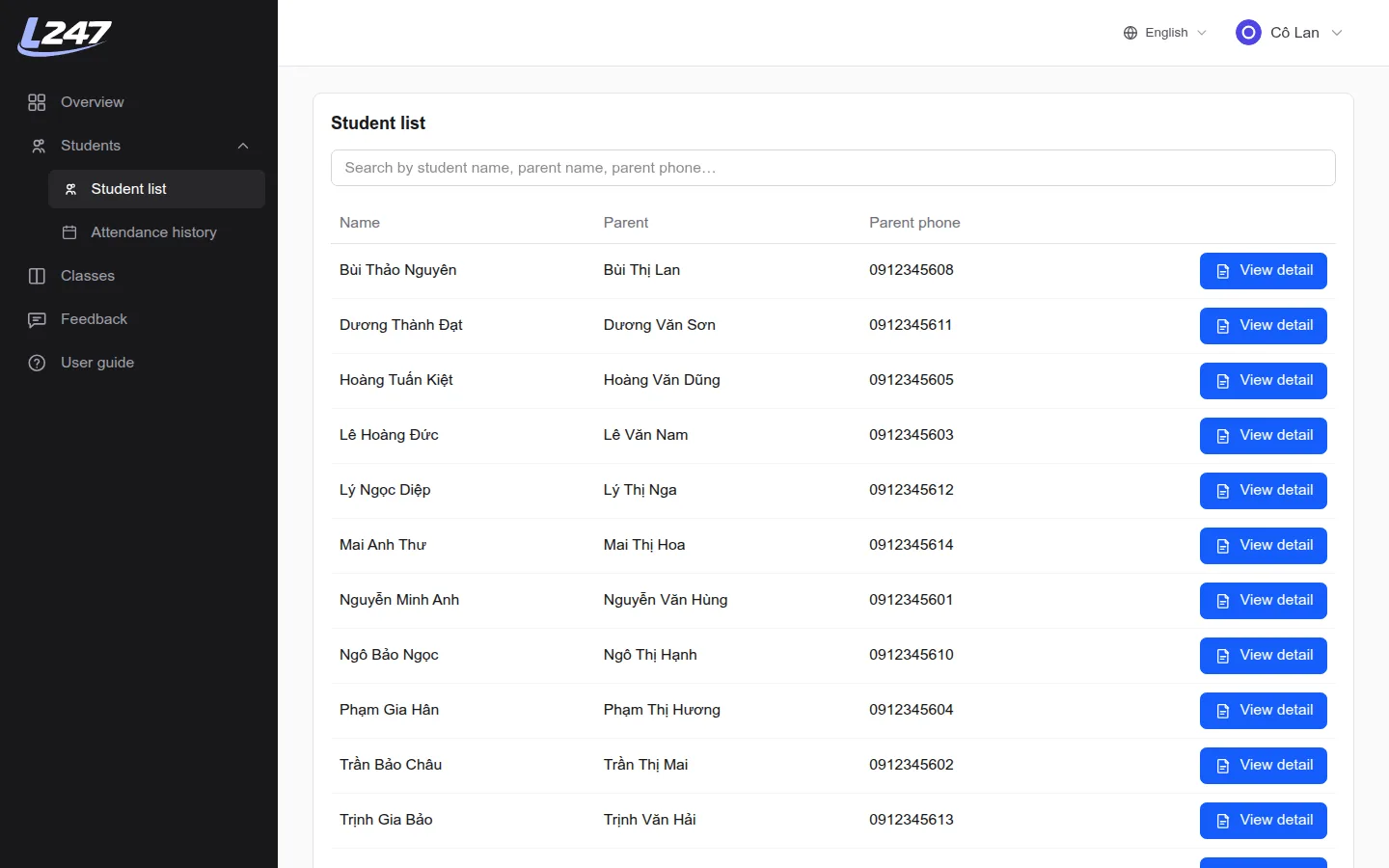
- “Students” → “Student list”: students of the classes you teach, searchable by name or parent details.
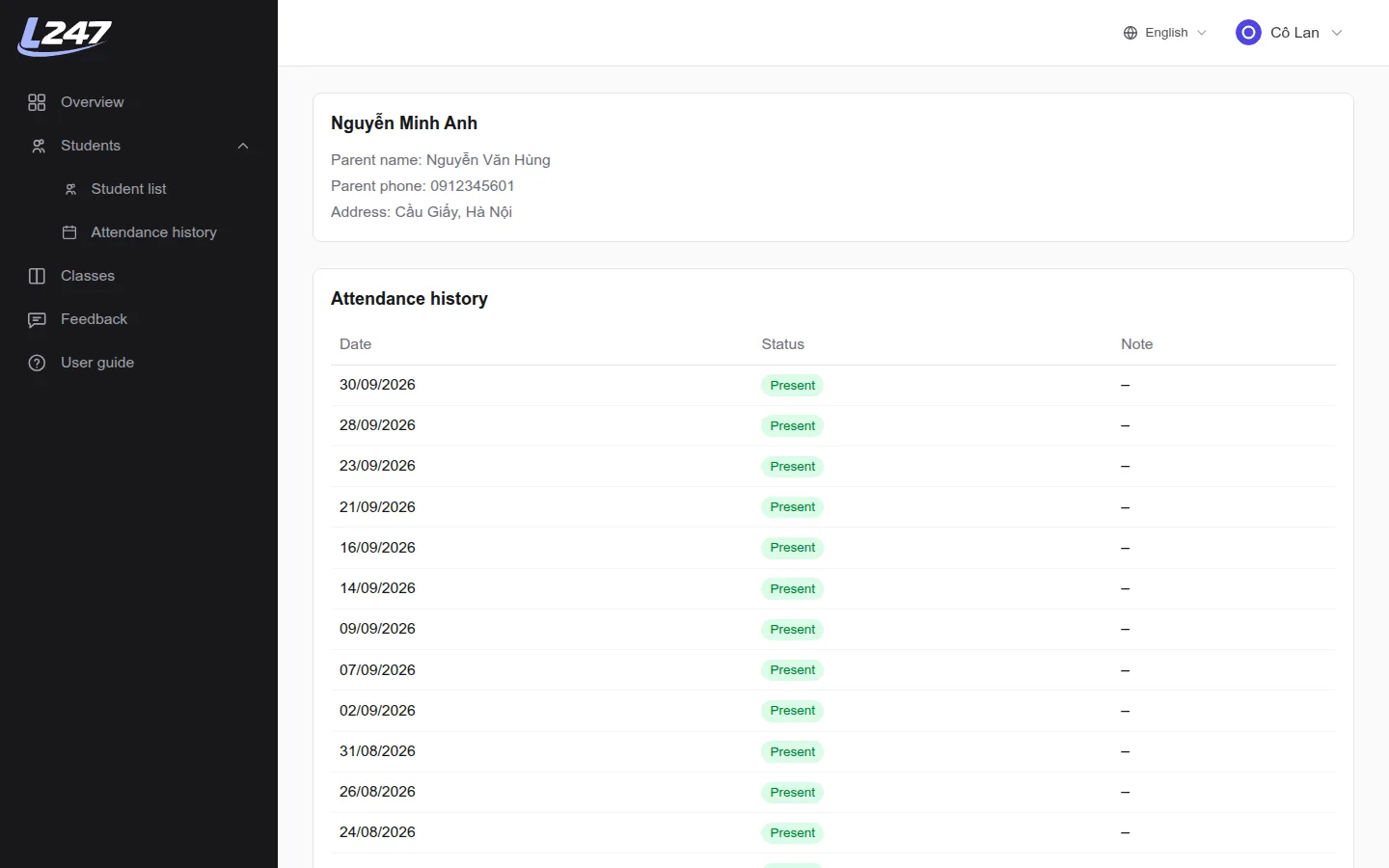
- “View detail”: parent contact details and attendance history for your subjects.
- “Attendance history”: filter by month, student, class and status.
Need help or found a bug? Use “Feedback” to reach the Lớp 247 team directly.
Frequently asked questions
Can teachers see their own salary in Lớp 247?
No. The salary pages are only for the center owner; teachers should ask the center owner for their detailed pay statement.
How do I take attendance when a session is cancelled?
Click “Class cancelled (whole class)” for that date. Whole-class cancellations are not charged to students and don't count toward teacher salaries.
Why can't I pick a date to take attendance?
Attendance can only be taken on dates in the subject's schedule or makeup schedule. For a makeup session, ask the center owner to add that date to the “Makeup schedule”.
Can assistants take attendance?
Yes. Assistants can view and take attendance for a subject just like the assigned teacher.